Find an Installer

Find an Installer Page Type Icon
Table of Contents:
Note: The content within installer lookup tool is populated using an iframe and cannot be updated within the CMS.
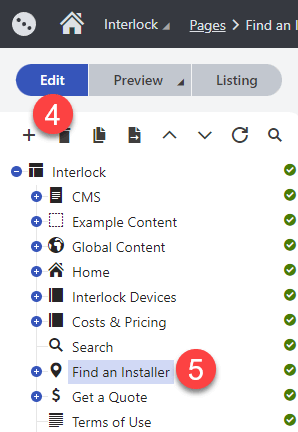
- Click on Applications icon in the top left
- Click on Content Management
- Click on Pages
- Click on the Edit button or make sure it is selected
- Find and click on Find an Installer
How to Update Header Copy
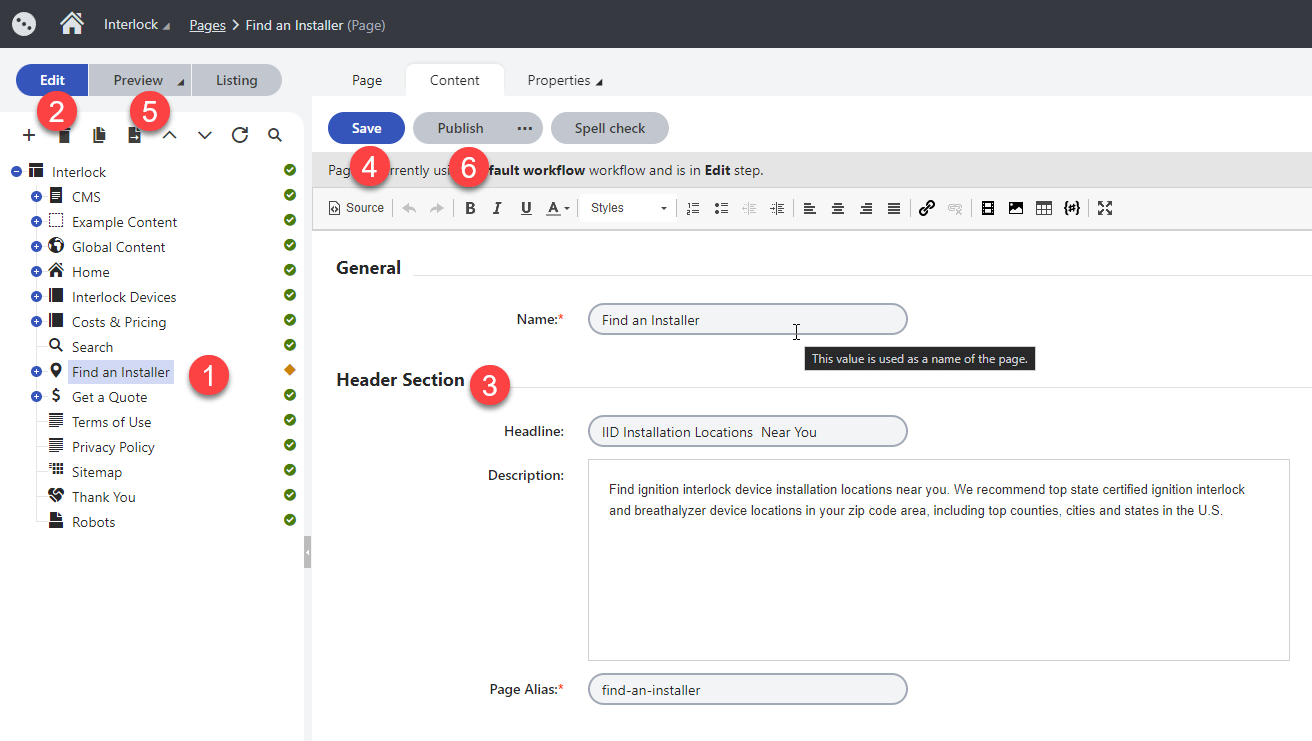
- Navigate to the Find an Installer within the Pages interface
- Make sure the Edit view is selected and you are within the Content tab
- Scroll down to the Header Section and update copy
- Click on Save
- Click on Preview and then on Open in a new tab (Optional)
- Click on the Publish button